
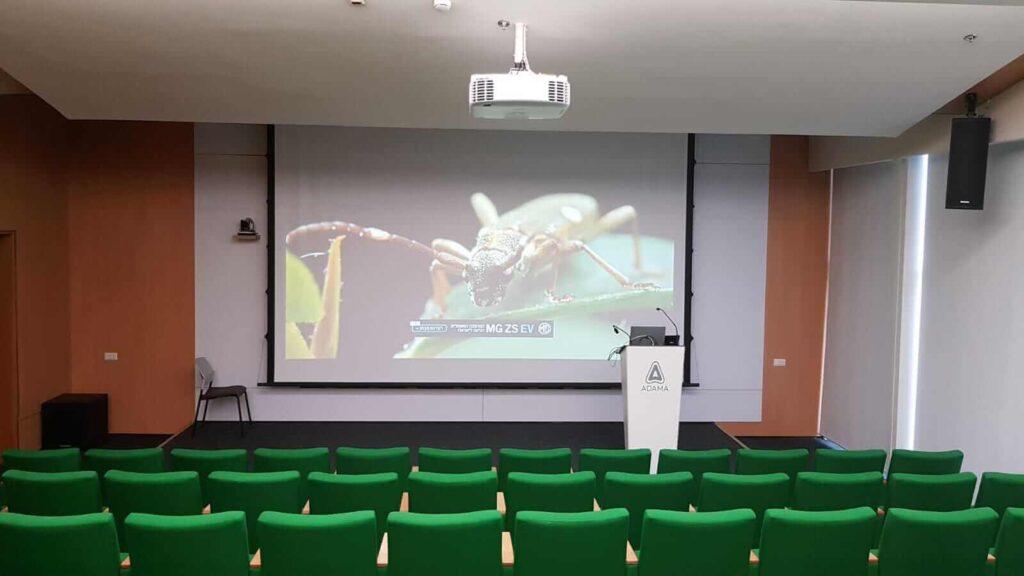
ADAMA auditorium
Laser projection, sound reinforcement and podium control in a multi-brand system.
Explore the project →PROFESSIONAL AV / 3D PROJECT
Projection, displays, audio and connectivity. Find equipment for your system, or start with the space and plan the complete solution.
Projection equipment · category illustration
PROJECTION / 01
The brands.
The possibilities.
EPSON
MAXHUB
WyreStorm
Kandao
Screenline
Screen Innovations
NewTec Audio
WORK PRO
Goboservice
MultiBall
REAL SYSTEMS / 3D PROJECT
From auditoriums to home cinemas: projects we planned and installed, and the equipment behind each one.
Laser projection, sound reinforcement and podium control in a multi-brand system.
Explore the project →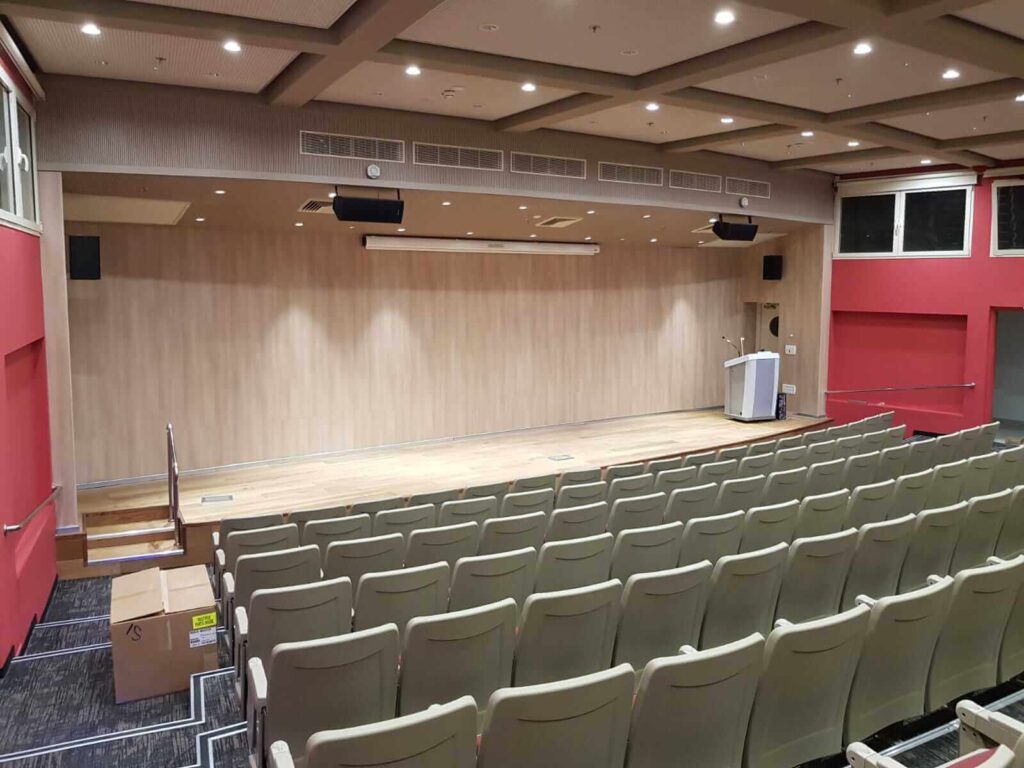
Epson projection, WORK PRO audio, a Screen Line screen and a custom control podium.
Explore the project →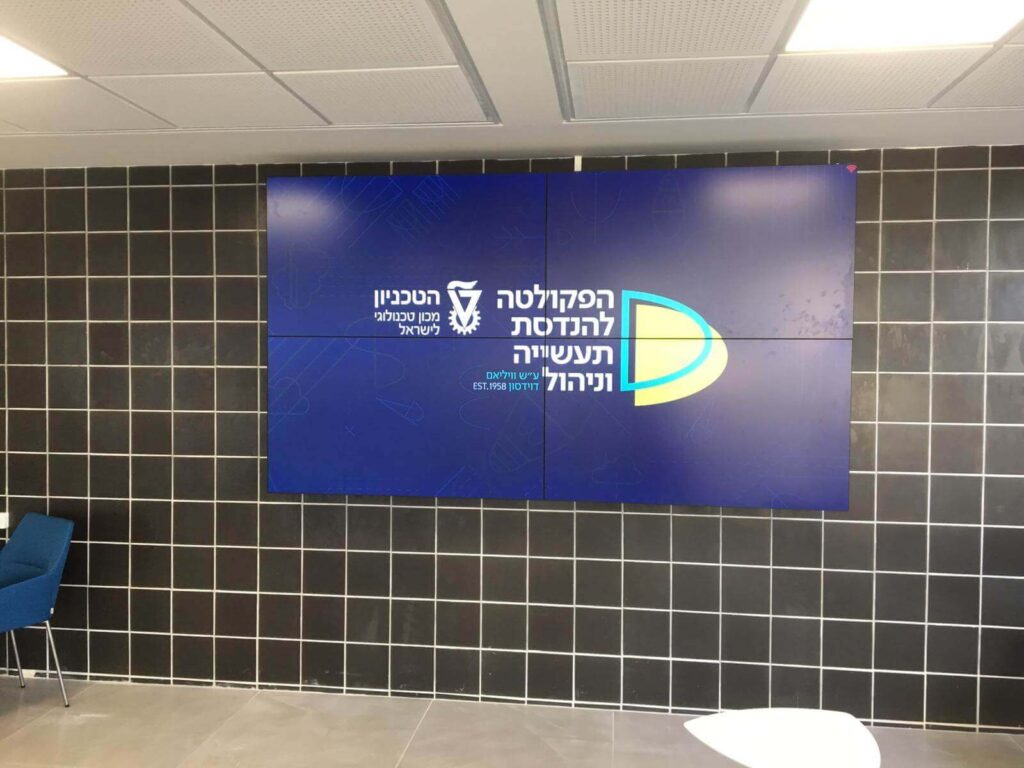
Four 55-inch NEC displays with ultra-narrow bezels and per-screen control.
Explore the project →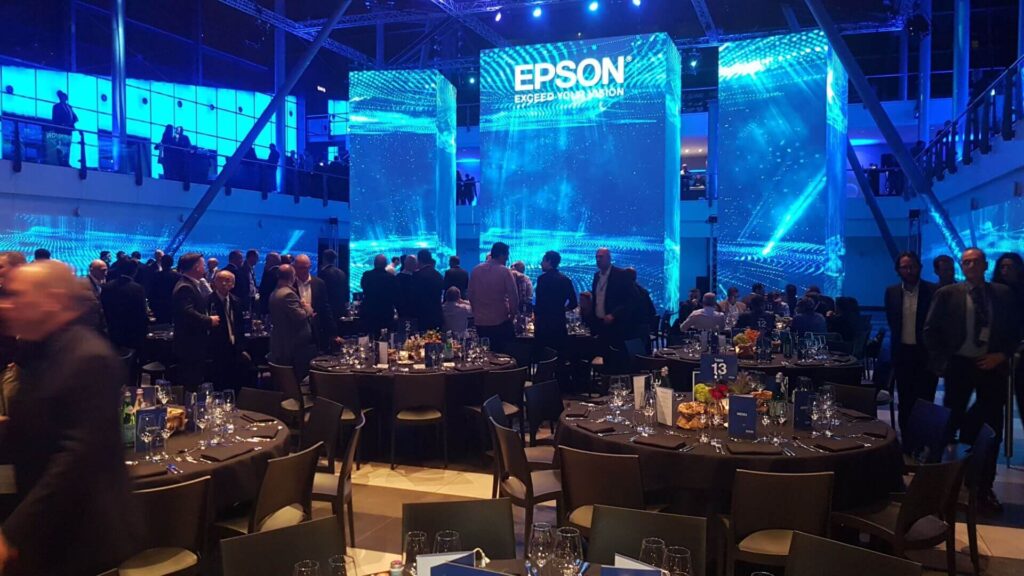
Powerful Epson laser projection on large surfaces in an event hall.
Explore the project →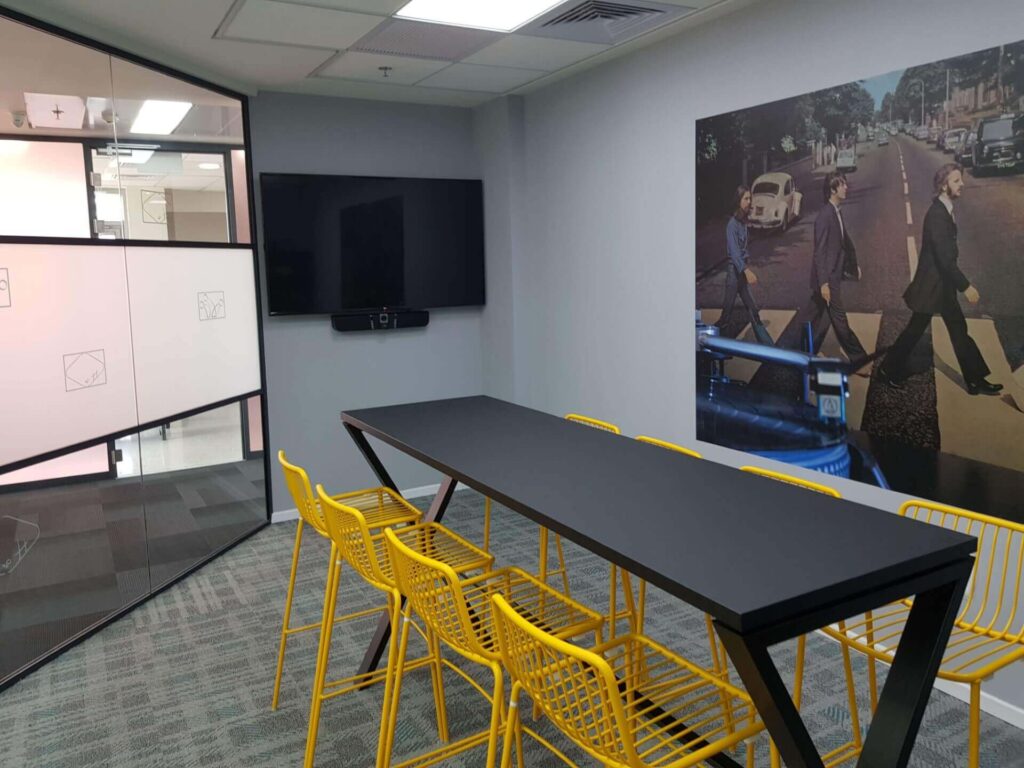
A Crestron all-in-one system for wireless presentation and Zoom meetings.
Explore the project →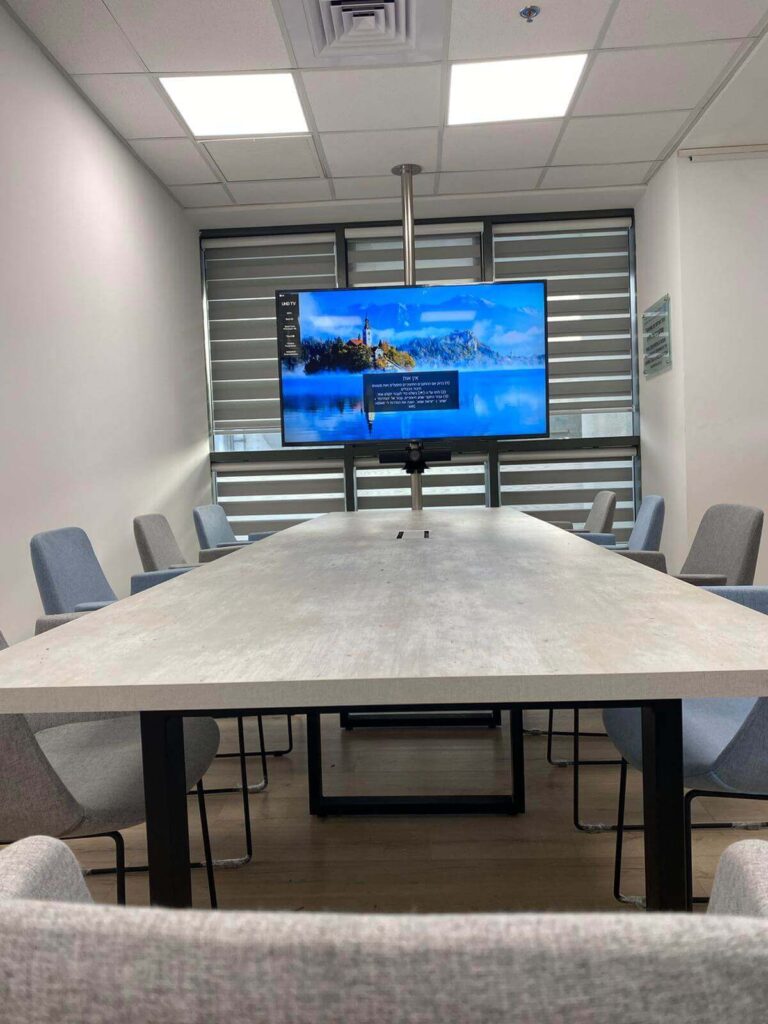
A 65-inch display, soundbar, speaker-tracking video and tabletop connections.
Explore the project →Clients include ADAMA · Technion · Tapuach association · EasySpace Binyamina
All projects →TECHNOLOGY INDEX
Explore the equipment areas. Start with projection, displays or collaboration, then connect the audio, video distribution and interactive elements.
01 / PROJECTION
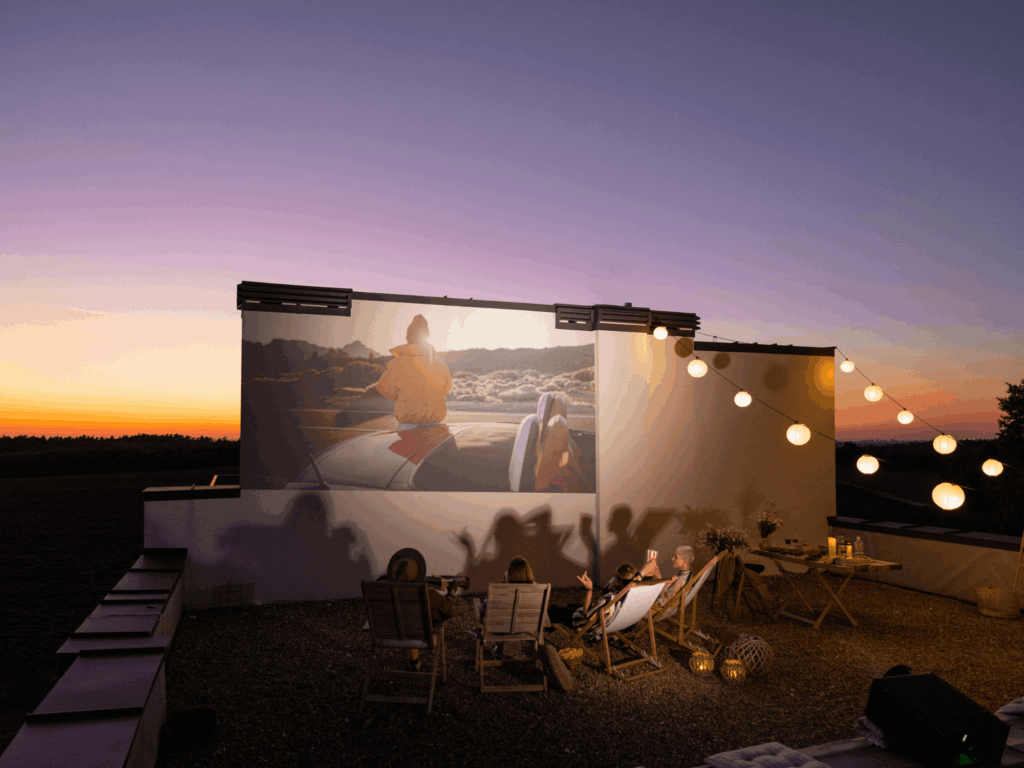
Laser projectors, lenses and projection screens. From learning spaces to large-scale visual experiences.
02 / DISPLAYS
Commercial displays, digital signage and video walls. Matched to your content, space and operating hours.
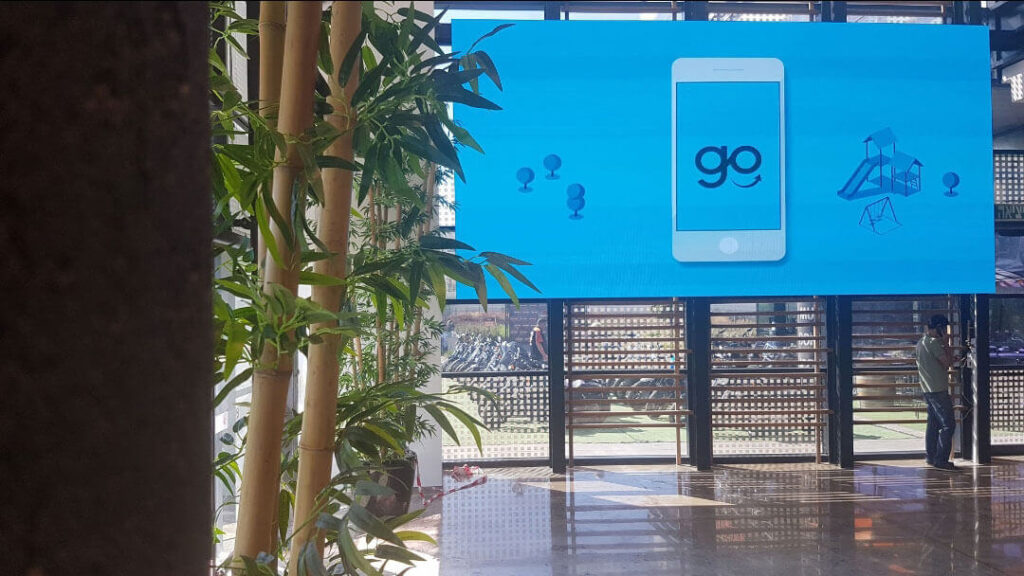
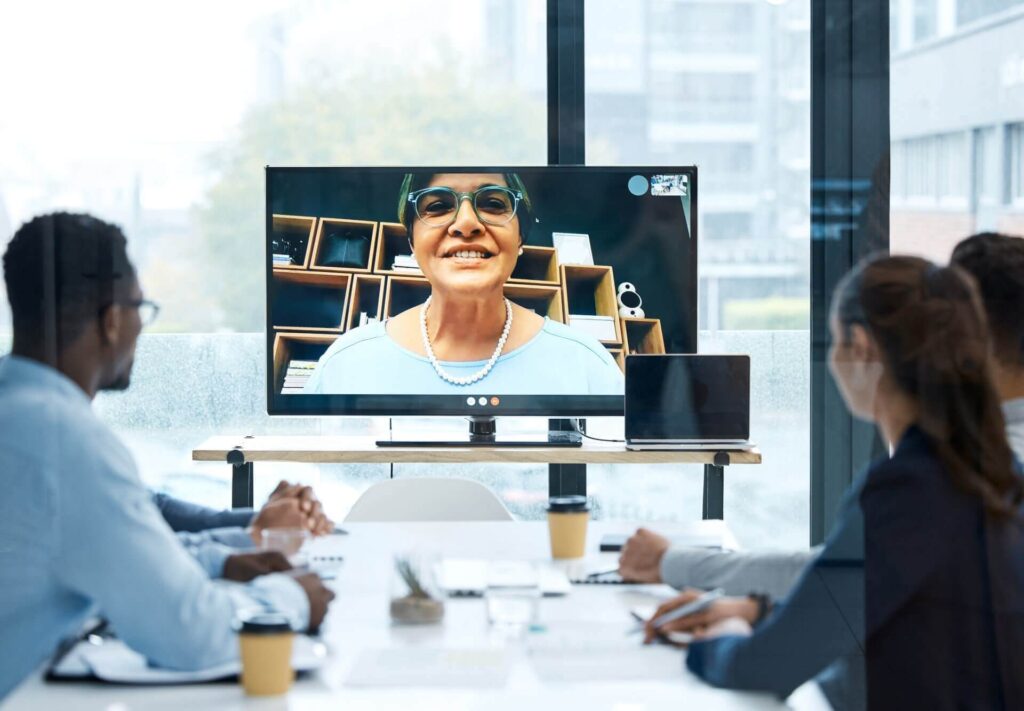
03 / COLLABORATION
Interactive displays, conferencing cameras and solutions for hybrid meeting rooms.
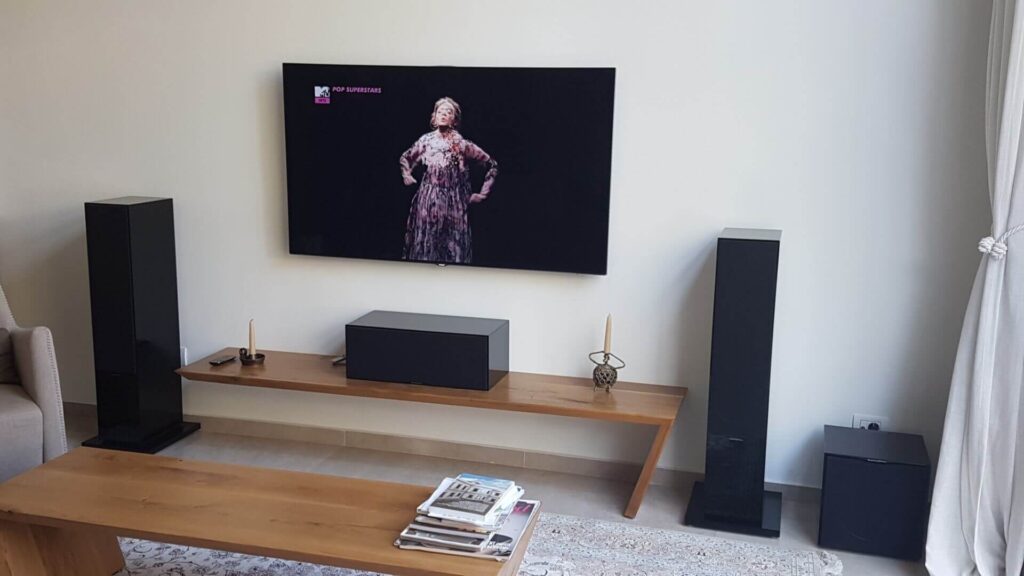
04 / AUDIO
Loudspeakers, amplification and sound systems designed around acoustics and everyday use.
05 / VIDEO DISTRIBUTION
Switching, extension and signal management. Connecting your sources with every display endpoint.
06 / INTERACTIVE
Technology that invites participation: touch, play and interactive content within a physical space.
SEE THE COMPLETE SYSTEM
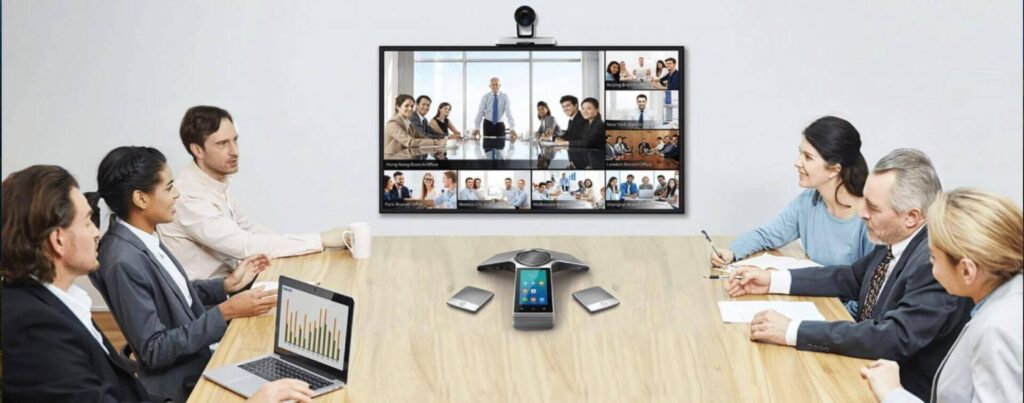
Meeting rooms
Video, audio and content sharing working together — from the huddle space to the boardroom.
Let’s plan your solution →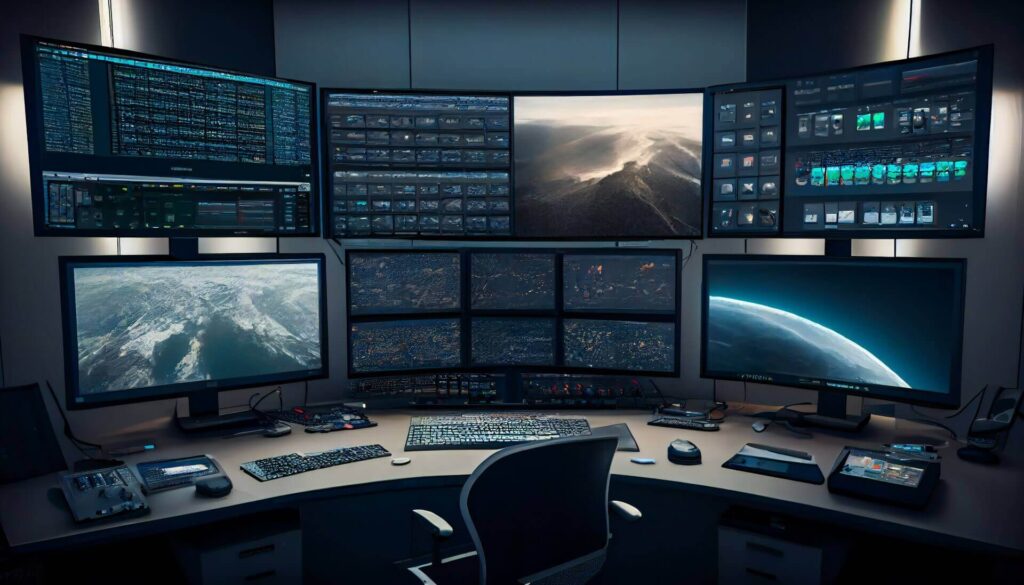
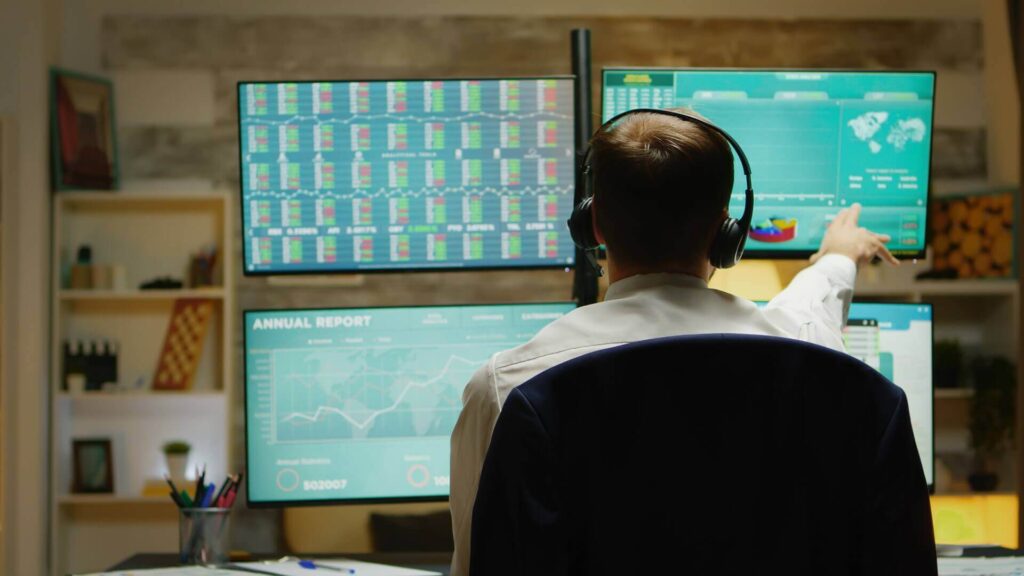
Control rooms
Video walls, operator stations and control of every information source.
Let’s plan your solution →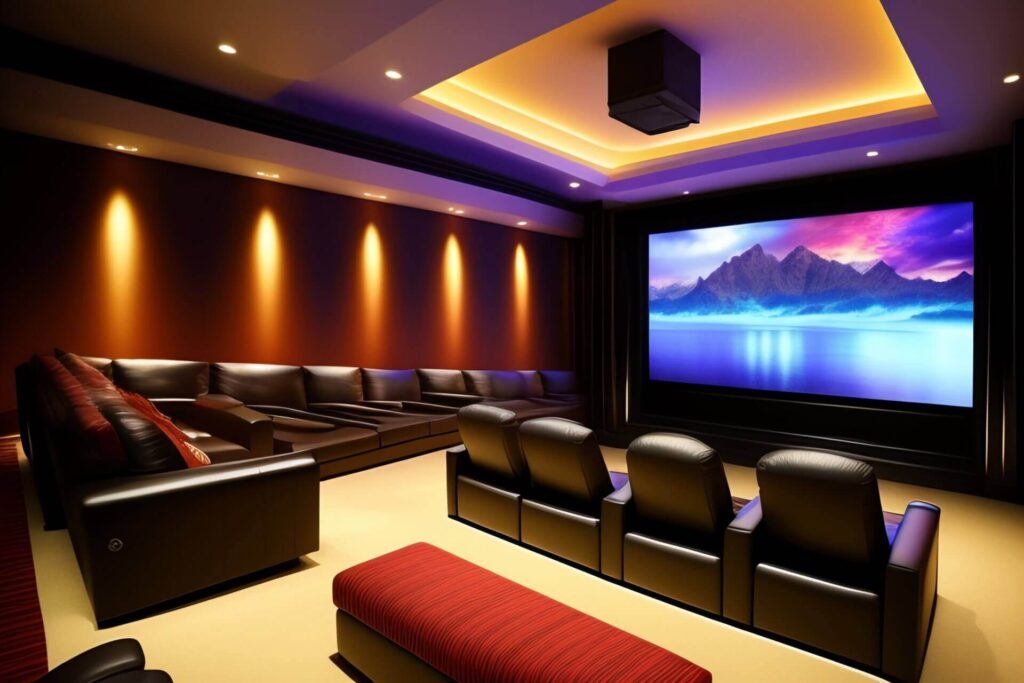
Home cinema
Projector, screen and sound matched to the room size and the seating.
Let’s plan your solution →
Projection Mapping
Projection planning starts with the surface, ambient light and content, before selecting the right system.
Let’s plan your solution →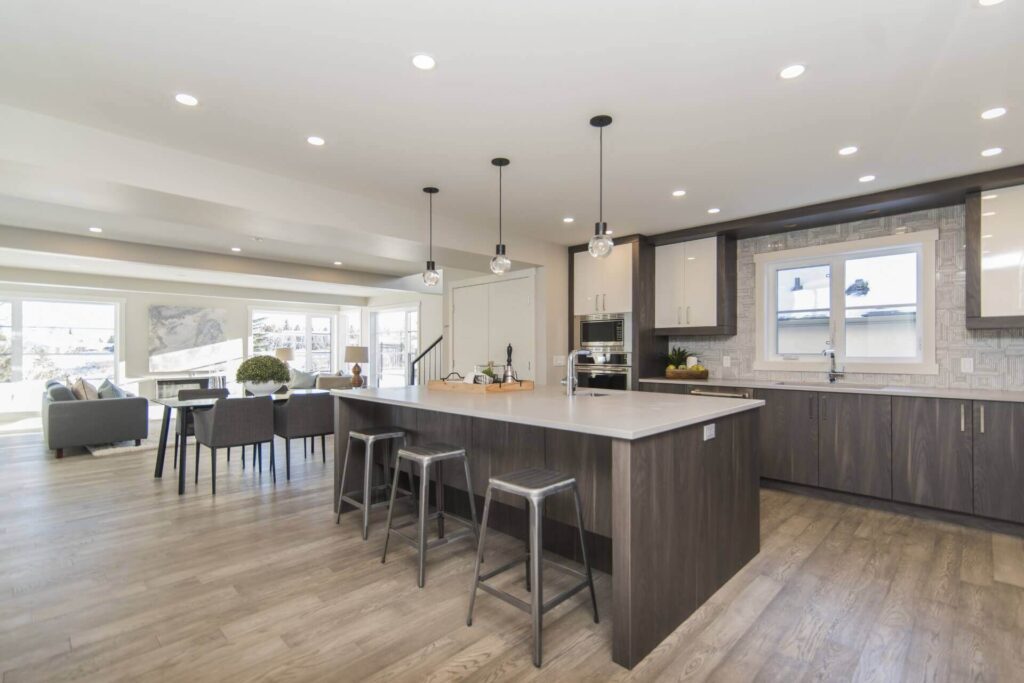
Smart home and office
Lighting, climate, security and entertainment under one control: from a phone, a tablet or a touch panel.
Let’s plan your solution →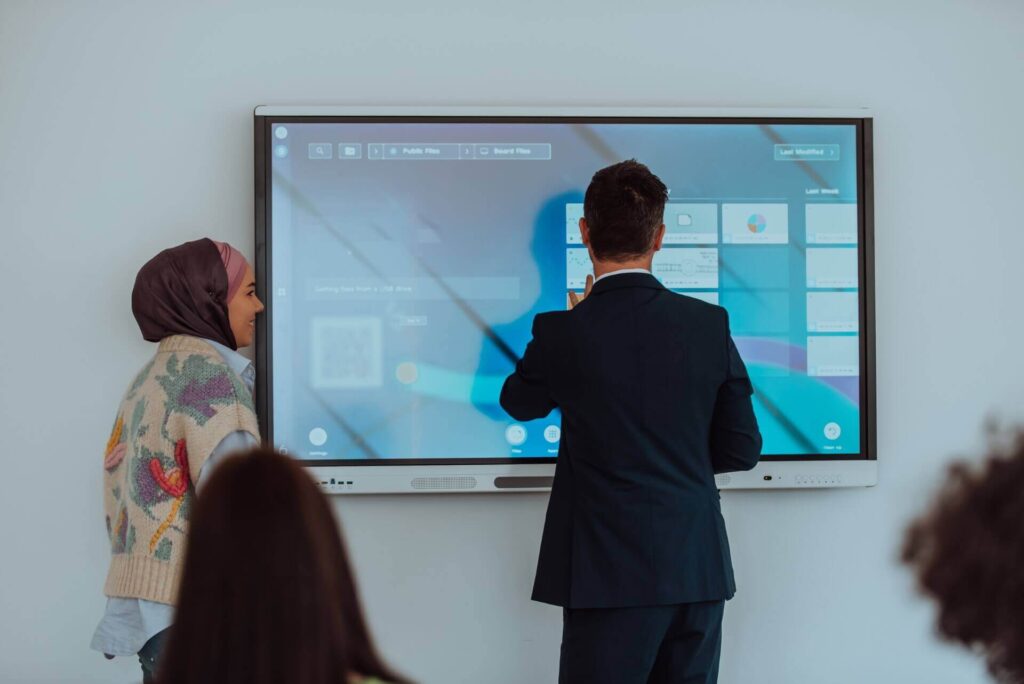
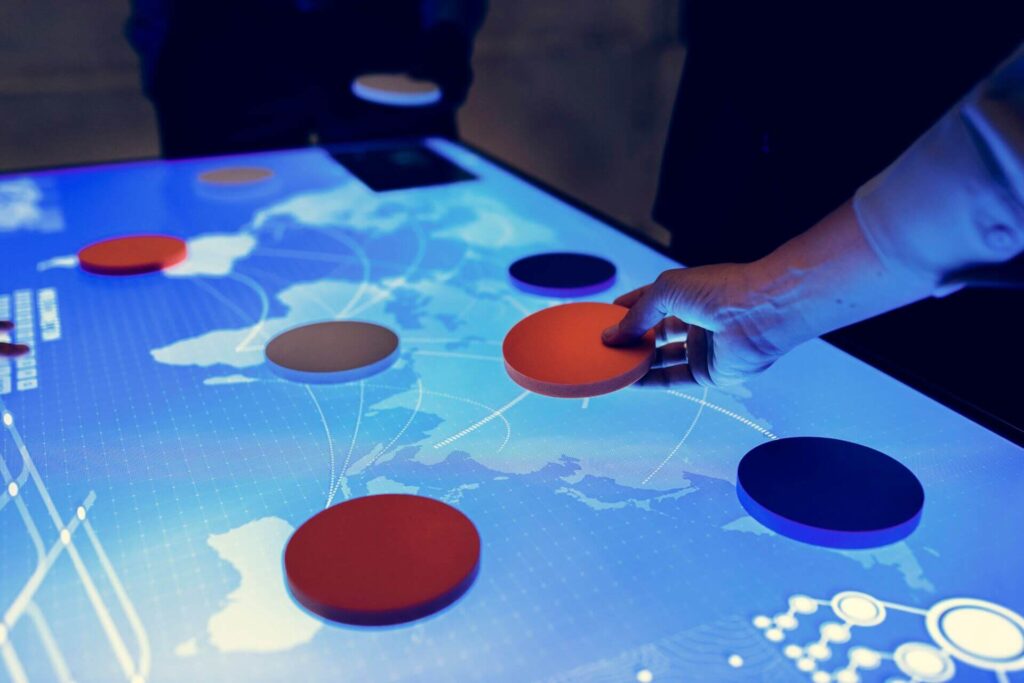
Interactive and touch
Touch screens, game tables and interactive projection for classrooms, offices and leisure spaces.
Let’s plan your solution →Images illustrate technology applications and are not presented as documentation of a specific client project.
FROM EQUIPMENT TO EXPERIENCE
Choosing a product is only part of the picture. Good planning connects equipment, control and everyday use.
01
Who will use the system? In which space? What content will be shown, and what needs to work together?
02
Connect specifications, technologies and brands — while considering the complete system.
03
Integration, control and programming that keep the complexity behind the scenes.
KNOWLEDGE FOR BETTER CHOICES
Guide / Meeting rooms
The number of participants, viewing distance, lighting and source connections all influence your display system.
Guide / Collaboration
Check microphone placement, camera coverage and your conferencing platform before compiling the equipment list.
Fields marked with an asterisk are required. Do not include passwords or payment details.