
Start with the use case
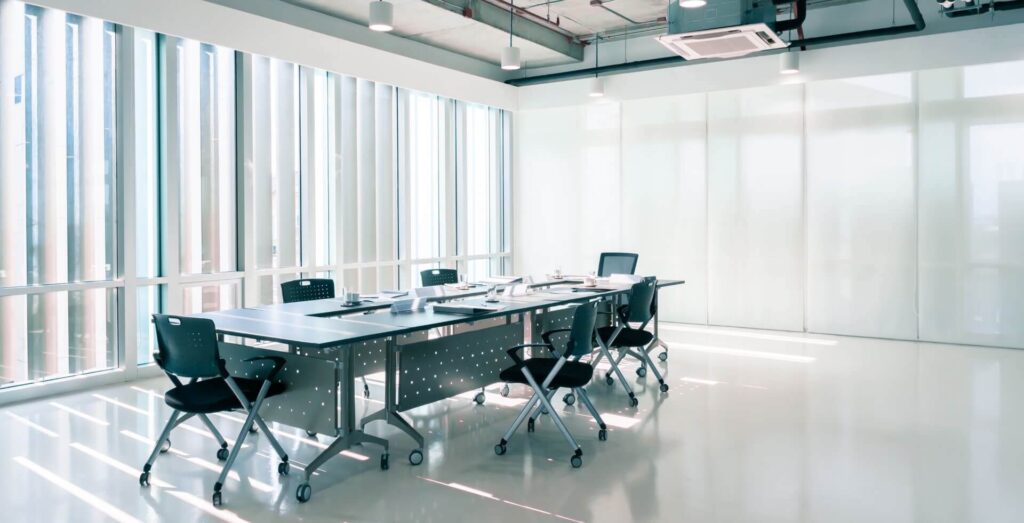
Record who uses the room, the participant count, seating layout and whether meetings are local or hybrid. Bring a floor plan, a table photo and an inventory of existing equipment to the planning session.
Check what people need to see
Use real sample content: a spreadsheet, presentation or video call. Check readability from the farthest seat. Position the camera so remote participants can see people in the room, considering lighting and windows.
Define connections
- A dedicated room computer, personal laptops or both?
- Which meeting platform is required?
- Which sources connect, and where are power and network points?
- Who operates and maintains the system?
Test the complete journey
Before handover, run a sample call with a remote participant: join, share content, change speakers and shut down. Keep configuration records and concise operating instructions. This guide is a starting brief, not a final equipment specification.